Group Study
Host or join real-time group quiz sessions to study with friends and classmates
Group Study turns solo studying into a social, competitive experience. Host quiz sessions from your notes, PDFs, or any study material, invite friends with a simple 6-character code, and compete in real-time with timed questions, live leaderboards, and a final podium.
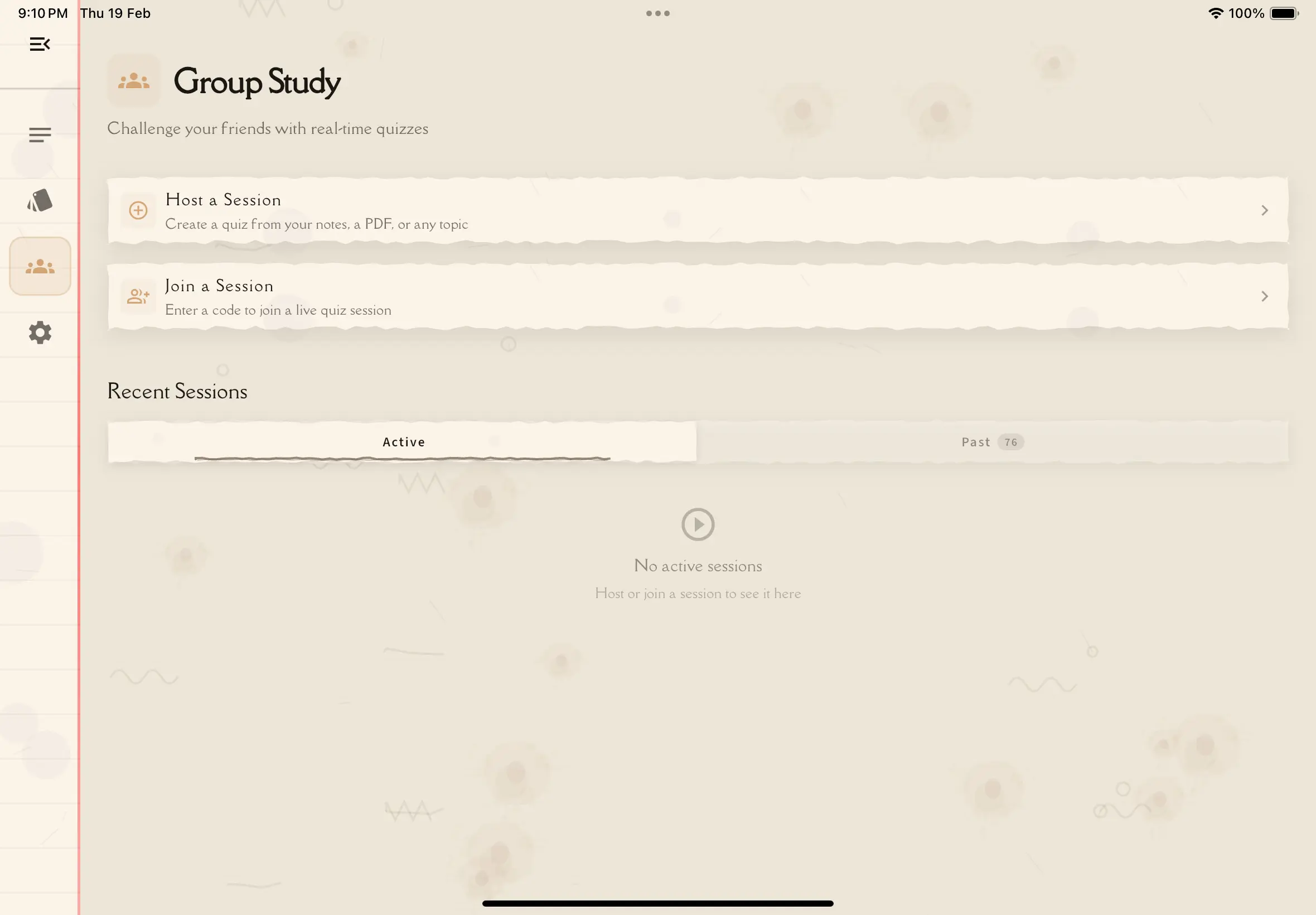
What Is Group Study?
Group Study is a multiplayer quiz feature built into Notesmakr. One person hosts a session, and everyone else joins to answer the same questions at the same time on their own devices.
The host picks the content — a study note, PDF, or pasted text — and the AI generates a quiz from it. Everyone answers in real-time with a countdown timer, and scores update live after each question. At the end, a podium reveals the top 3 finishers.
Group Study is perfect for exam prep study groups, classroom engagement, or competitive learning with friends. It works best with 3-10 participants.
How It Works
The host picks content, configures quiz settings (number of questions, time per question, difficulty), and creates the session. A 6-character join code is generated.
Friends join using the code or a shared link — from the app or from any web browser.
The host starts the game. A 3-2-1 countdown begins, then questions appear one at a time with a timer bar. Everyone answers on their own device.
After the final question, everyone sees the results: a podium with the top 3, individual stats, and a full leaderboard.
Key Features
- Real-time multiplayer — everyone plays simultaneously on their own device
- AI-generated quizzes — from your notes, uploaded PDFs, or pasted text
- 6-character join codes — easy to share verbally, via text, or with a QR code
- Countdown timer — configurable per-question time limits (10-60 seconds)
- Live leaderboard — see rankings update after each question
- Podium results — trophy-style display for the top 3 finishers
- Web experience — participants can join from a browser without installing the app
- Session history — view your active and past sessions anytime
Who Can Host?
Any authenticated Notesmakr user with an active Scholar or Scholar Plus subscription can host sessions. You can also purchase session credit packs for additional sessions. Free users can join sessions hosted by others — no subscription needed to participate.
What's Covered
- Hosting a Session — create a session, choose content, configure settings
- Joining a Session — join with a code or link
- The Lobby — wait for participants and start the game
- During the Game — answer questions, timer, scoring, leaderboard
- Results & Leaderboard — podium, stats, sharing
- Web Experience — play from a browser without the app
Next Steps
Ready to get started? Learn how to host your first session or join one!