
Getting Started
Learn how Notesmakr helps you master any subject using the Feynman Technique and AI-powered study tools
Getting Started with Notesmakr
Welcome to Notesmakr! We're here to help you understand and retain knowledge more effectively using the proven Feynman Technique combined with modern AI technology.
What is Notesmakr?
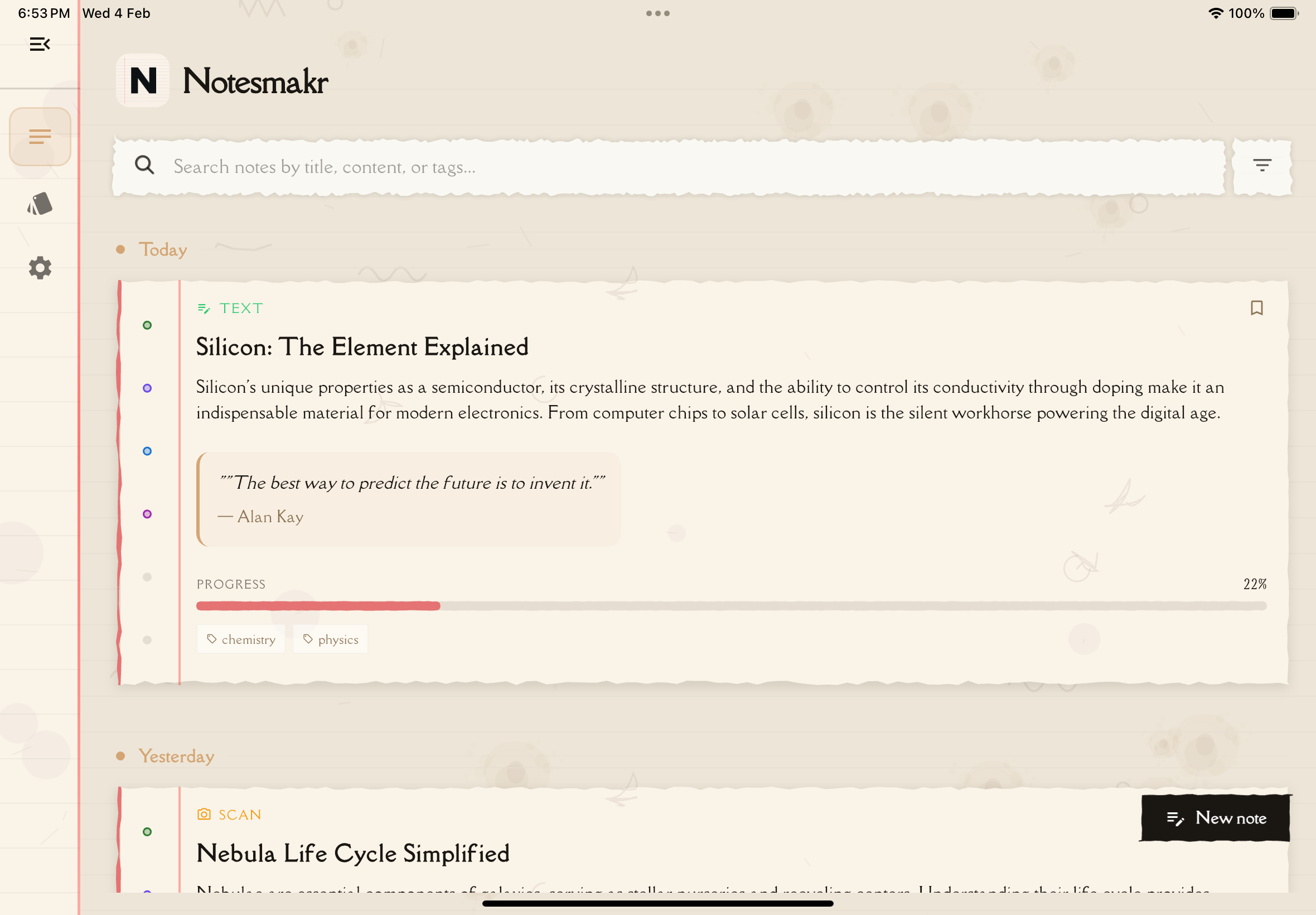
Notesmakr is your personal study companion that transforms complex learning materials into simplified, easy-to-understand notes. Whether you're studying from textbooks, podcasts, or lecture notes, Notesmakr helps you break down difficult concepts and test your understanding.
The Feynman Technique
Named after Nobel Prize-winning physicist Richard Feynman, this learning method is based on a simple principle: if you can't explain something in simple terms, you don't truly understand it.
Notesmakr guides you through this process:
- Learn - Import content from any source (PDFs, videos, audio, text)
- Simplify - AI helps break down complex ideas into clear explanations
- Test - Quiz yourself with flashcards and quizzes to find gaps
- Review - Fill those gaps with Q&A sessions and mind maps
- Master - Keep revising until you can explain it simply
Quick Start Guide
Ready to create your first note? Here's how to get started:
Open Notesmakr and sign in with Google, Apple (on iPhone and iPad), or email. The first time you open the app you also choose your language from 14 supported languages. On your first sign-in, a short setup asks how you study (it can't be skipped the first time), then a quick tour points out the main screens.
On Home, open the Notes tab and tap New note. Then choose how you want to create your note:
- Quick Topic: type a topic or paste text directly
- PDF Document: import a PDF
- Youtube Video: paste the link to a video that has captions
- Audio: record or upload a lecture or podcast (audio transcription is part of the paid plan)
- Scan Documents: photograph textbook pages or paper notes
- Solve a Problem: snap a question to get step-by-step solutions
The AI will process your content and generate comprehensive study notes.
Once your note is ready, tap it to open the study interface. You'll find:
- A clear summary and key concepts
- Full reading content
- Interactive study tools (flashcards, quizzes, mind maps, Q&A)
What Makes Notesmakr Different?
- AI-Powered Learning: Advanced AI processes your content and creates study materials tailored to your needs
- Multiple Input Methods: Learn from PDFs, YouTube videos, audio, text, or photos—whatever works for you
- Comprehensive Study Tools: Flashcards, quizzes, mind maps, and Q&A sessions all in one place
- Multilingual Support: Study in 14 languages including right-to-left languages like Hebrew
- Privacy-Focused: Your study materials and progress stay private
Need Help?
Browse through the rest of this help guide to learn about specific features:
- Navigation: Understand the app's layout and tabs
- Creating Notes: Master all six ways to create study materials
- Studying: Get the most out of the study interface
- Quizzes & Flashcards: Test your knowledge effectively
Pro tip: Start with shorter, simpler content to get familiar with how Notesmakr works. Once you're comfortable, move on to more complex materials.
Ready to start learning smarter? Let's dive in!