
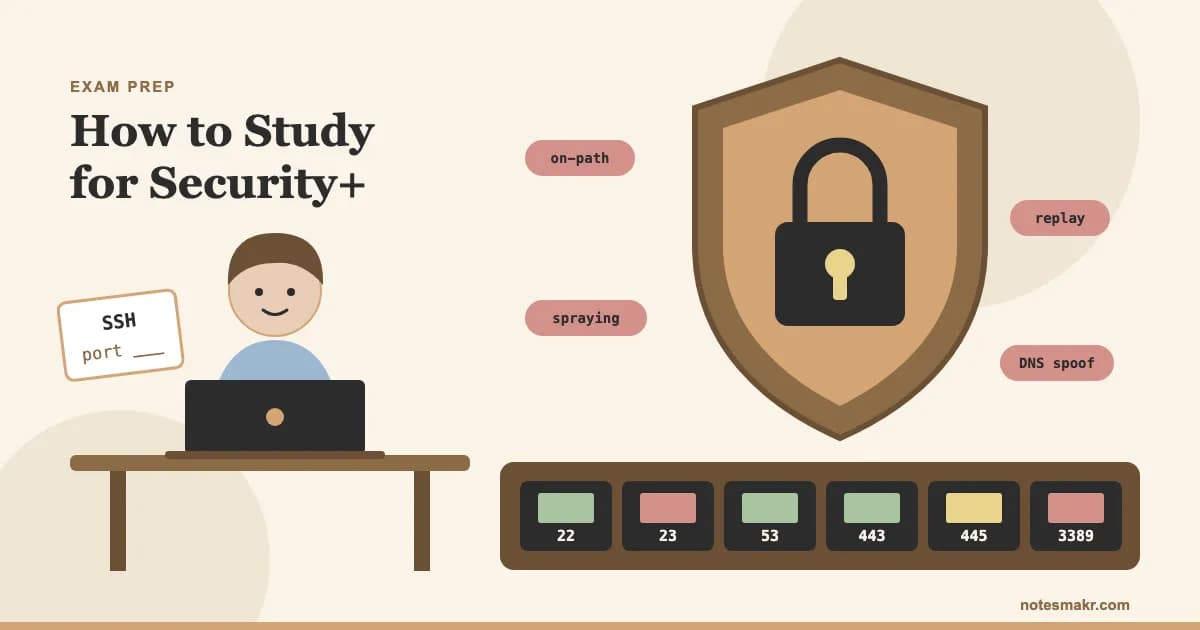
Here's the uncomfortable truth about how to study for Security+: finishing a 15-hour video course can feel like progress and still leave you stuck on the first question that hands you a firewall log. Watching someone explain a topic and working it out under time pressure are two different skills, and only one of them is on the exam.
This guide gives you a six-week plan built around that gap. You'll decide which exam version to take (that decision has just become urgent), what to memorize, what to practice instead, and how to tell when you're ready. If you want the wider system behind it, the practice tests guide goes deeper on the method.
SY0-701 or SY0-801: Pick Your Exam First
Do this before you buy a book or start a course, because the answer changes what you study. CompTIA's Security+ V8 page says the new SY0-801 exam is expected to launch on or around November 17, 2026. Its V7 page lists the English SY0-701 retirement date as June 11, 2027. So for about seven months, you can choose.
The format doesn't change. The content balance does.
| SY0-701 (V7) | SY0-801 (V8) | |
|---|---|---|
| Questions | Up to 90, multiple-choice and performance-based | Up to 90, multiple-choice and performance-based |
| Time | 90 minutes | 90 minutes |
| Passing score | 750 (scale of 100 to 900) | 750 (scale of 100 to 900) |
| General Security Concepts | 12% | 16% |
| Threats and vulnerabilities domain | 22% | 24% |
| Security Architecture | 18% | 19% |
| Security Operations | 28% | 27% |
| Program Management and Oversight | 20% | 14% |
Source: CompTIA's V7 and V8 certification pages, checked November 7, 2026. Confirm the details again before you book.
The clearest new material is objective 2.6 in the V8 objectives, which covers threats from AI use, including prompt injection, poisoning, jailbreaking and hallucinations.
How to choose:
- Already deep into V7 materials, and can sit by spring 2027? Stay on SY0-701. Switching costs you weeks.
- Starting from zero, with an exam date after spring 2027? Take SY0-801. You'd be cutting it close otherwise, with no cushion for a retake before V7 ends.
- Starting now, testing in early 2027? Either works. V7 has years of courses and practice tests behind it, while V8 materials are only starting to appear. V7 is the easier one to find materials for today, and V8 will stay current for longer.
How Long Should You Study for Security+?
There's no official number, and most figures come from companies selling training. Readynez, for example, suggests 80 to 120 hours over 6 to 10 weeks. Treat that as a rough guide.
Your starting point matters more than any average. CompTIA's recommended background is Network+ plus two years in a security or systems administrator role for V7, and two years of hands-on experience as a security administrator for V8. Recommended doesn't mean required, but it tells you who the questions were written for.
| Your background | Realistic plan |
|---|---|
| Working in IT, comfortable with networks | 4 to 6 weeks |
| Some IT knowledge, studying around a job | 6 to 10 weeks |
| New to IT | Learn networking basics first, then 3 months or more |
If you're fitting this around work, the short daily sessions in our guide to studying while working will beat one heroic Sunday.
The Science: Why Watching Isn't Studying
A smooth video creates a feeling of understanding. Testing yourself exposes what's actually there.
Roediger and Karpicke (2006) found that students who practiced recalling a passage remembered more a week later than those who restudied it, even though the restudiers felt more confident. Dunlosky and colleagues (2013) reviewed ten learning techniques and rated practice testing and spaced practice as the two most useful.
That has one practical consequence for you. Use videos and books to meet each idea once, then spend most of your hours retrieving it.
Recognizing an answer isn't the same as producing it. Every Security+ study session should end with you closing the material and proving what you can do without it.
How to Study for Security+ in 6 Weeks
Download the objectives for your exam from CompTIA and turn each one into a line on a checklist. Take one practice test before you feel ready, and record the score by domain. A low score here is useful data, not bad news.
Work through one course at a steady pace. Professor Messer's free SY0-701 course is a popular choice, with 121 videos totalling about 15 hours. Check his site for V8 coverage if you're taking SY0-801. After each topic, close the video and write a two-line explanation from memory. Make cards only for what you couldn't produce.
Security Operations is the largest domain on both versions, so give it real time. Practice reading things rather than memorizing them: firewall rules, log lines, access control lists and incident steps. Ask what each line allows, and what you'd change.
Governance and risk are wordy, and it's easy to mix up similar terms, so compare them in pairs. Then switch to mixed question sets. Mixing topics forces you to work out what kind of problem you're facing, which is what the real exam asks for (Rohrer and Taylor, 2007).
Sit full 90-minute practice tests, then spend as long reviewing them as you spent taking them. For each mistake, write down why the right answer is right and why you chose the wrong one. Our multiple-choice strategy guide covers how to handle the "best answer" wording you'll see.
What to Memorize: Ports, Protocols and Attack Names
Here's something most guides skip. The V8 objectives list "Ports and services" as an attack surface and name attacks such as on-path, cache poisoning, protocol downgrade, replay and password spraying, but they don't print a table of port numbers. CompTIA also says its examples shouldn't be read as a complete list of what's on the exam.
So learn ports for the reason you'd need them on the job: you can't read a firewall rule or a log without them. Start with the 20 most common, not an exhaustive list of hundreds. These five pairs are the place to begin.
| Secure choice | Replaces | Why it matters |
|---|---|---|
| SSH (22) | Telnet (23) | Encrypted remote command line |
| HTTPS (443) | HTTP (80) | Encrypted web traffic |
| LDAPS (636) | LDAP (389) | Encrypted directory lookups |
| IMAPS (993) | IMAP (143) | Encrypted mailbox access |
| SFTP (22) | FTP (21) | Encrypted file transfer |
Learning them in pairs works better than a flat list because each pair also tells you what a good recommendation looks like. For the numbers that won't stick, try the hooks in our mnemonics guide. Attacks need a different habit: learn the one clue that separates each from its nearest neighbor. A replay reuses a captured message unchanged, while a downgrade forces a weaker version.
Study this topic three ways
Reading the table above won't make it stick. Once the ideas make sense, switch to active recall:
- Security+ ports and protocols flashcards: 34 cards for 20 ports and 14 attacks, with real-world examples.
- Ports, protocols and attacks quiz: 25 scenario questions that make you read logs and firewall rules rather than recite definitions.
How to Prepare for Performance-Based Questions
Performance-based questions ask you to do something, such as ordering steps or configuring a rule. CompTIA's exam pages confirm they're part of the mix but don't say how many you'll get, so don't plan around a number you read on a forum.
Flashcards won't prepare you for these on their own. Three things will:
- Practice with the format. Use a practice set that includes interactive questions, and do them against the clock.
- Build a small lab. Free virtual machines let you write firewall rules and read real logs. Twenty minutes of doing beats an hour of watching.
- Protect your time. If your exam software lets you flag and return, consider answering the quicker multiple-choice questions first so one long task can't eat your clock.
"I watched the firewall video twice, and it made sense."
You've seen one explanation. You've never had to decide anything.
"I wrote a rule set for a public web server from a blank page: allow TCP 443, deny everything else. Then I explained why port 22 shouldn't be open to the internet."
Now you've made the decisions the exam asks you to make.
Watch: Security+ Prep in Action
Professor Messer explains how to approach the SY0-701 exam. It's useful for setting your plan, but check any version-specific advice against the exam code you chose.
Ali Abdaal's masterclass focuses on Anki, but the method carries over to any app. The tool matters less than making good cards and reviewing them daily.
Common Mistakes (And How to Avoid Them)
Mistake 1: Studying the wrong version. You buy a cheap older book and spend weeks on the wrong weightings. The fix: Match the exam code on every resource to the exam you plan to book.
Mistake 2: Memorizing brain dumps. Leaked questions are against CompTIA's rules, often wrong, and they teach you to recognize wording rather than reason through a scenario. The fix: Use legitimate practice tests, and review your reasoning, not just your score.
Mistake 3: Treating one high score as proof. Repeating the same test inflates your score, because you start remembering the answers. The fix: Judge readiness on question sets you haven't seen. Plan on several consistent results, not one good day.
Mistake 4: Skipping networking basics. Without them, a whole family of questions turns into guesswork. The fix: If our Try This challenge stumped you, cover the basics first. Our computer science study guide has a useful way to split facts from skills, and if a cloud certification is next, our guide to studying for AWS Solutions Architect applies the same method.
The Research Behind It
- Testing effect (Roediger & Karpicke, 2006): Practicing recall beat restudying on a delayed test. Read the paper.
- Learning techniques review (Dunlosky et al., 2013): Practice testing and distributed practice earned the highest utility ratings. Read the review.
- Spacing (Cepeda et al., 2006): A review of verbal recall studies found that spreading practice over time improves retention. Read the review.
- Retrieval vs concept mapping (Karpicke & Blunt, 2011): Retrieval practice produced more learning than elaborative study with concept maps. Read the paper.
- Interleaving (Rohrer & Taylor, 2007): Shuffling math practice problems improved later test performance. Read the paper.
How Notesmakr Helps You Study for Security+
Notesmakr is a notes maker that turns your study material into plain-language notes, flashcards, quizzes and mind maps. It won't replace a Security+ course or simulate performance-based questions, and it has no official CompTIA material. It handles the recall half of your plan.
- Cloze cards and spaced repetition (free): Blank out the port or the attack name, and the SM-2 scheduler decides when you see it again. Start with our complete guide to AI flashcards if you're new to them.
- Focus Timer and exam planner: Set your exam date to spread out study sessions, then work in 25-minute blocks.
- AI from your own material: Upload a PDF to create a note, then generate cards and quizzes. It's free within the free plan's limits (5 notes and 40 generations, lifetime). You can also try the AI quiz maker or PDF to flashcards pages to see how it works.
FAQ
Is Security+ hard for beginners?
Security+ is challenging for complete beginners because it assumes networking knowledge, and CompTIA recommends about two years of relevant experience. It isn't out of reach. Beginners usually do best by learning networking fundamentals first, then allowing three months or more for scenario-based practice rather than rushing into the exam.
Can I pass Security+ in 30 days?
You can pass Security+ in 30 days if you already work in IT and can study consistently each day. Newcomers rarely have enough time to build the networking background as well. Take a timed baseline test in week one, then use your weakest domains to decide whether thirty days is realistic.
Should I take SY0-701 or SY0-801?
Take SY0-701 if you're already well into its materials and can sit before it retires on June 11, 2027. Choose SY0-801 if you're starting from scratch and testing later. CompTIA expects SY0-801 to launch around November 17, 2026, so confirm both dates on its site before booking.
Do I need to memorize ports for Security+?
Yes, learn the common ones, though you don't need hundreds. The V8 objectives list ports and services as an attack surface without printing a port table, and you need the common numbers to read firewall rules and logs. Start with SSH, DNS, HTTPS, LDAPS, SMB and RDP, then add the mail protocols.
Is Network+ required before Security+?
No, Network+ isn't required before Security+. CompTIA lists Network+ and two years of experience as recommended background for SY0-701, not as a prerequisite. If you can already explain IP addressing, common ports, firewalls and how DNS works, you can reasonably skip it and go straight to Security+ study.
Start Today
- Choose your version using the table at the top, then write the exam code on your plan.
- Download the objectives for that code from CompTIA.
- Take a timed baseline test this week and record your score by domain.
- Pick one main course and stop shopping for more.
- Drill the ports and attacks deck for ten minutes a day.
- Book the exam once your practice scores hold up, so the date keeps you honest.
"Security is a process, not a product."
— Bruce Schneier, "The Process of Security" (2000)